 LotsTeam
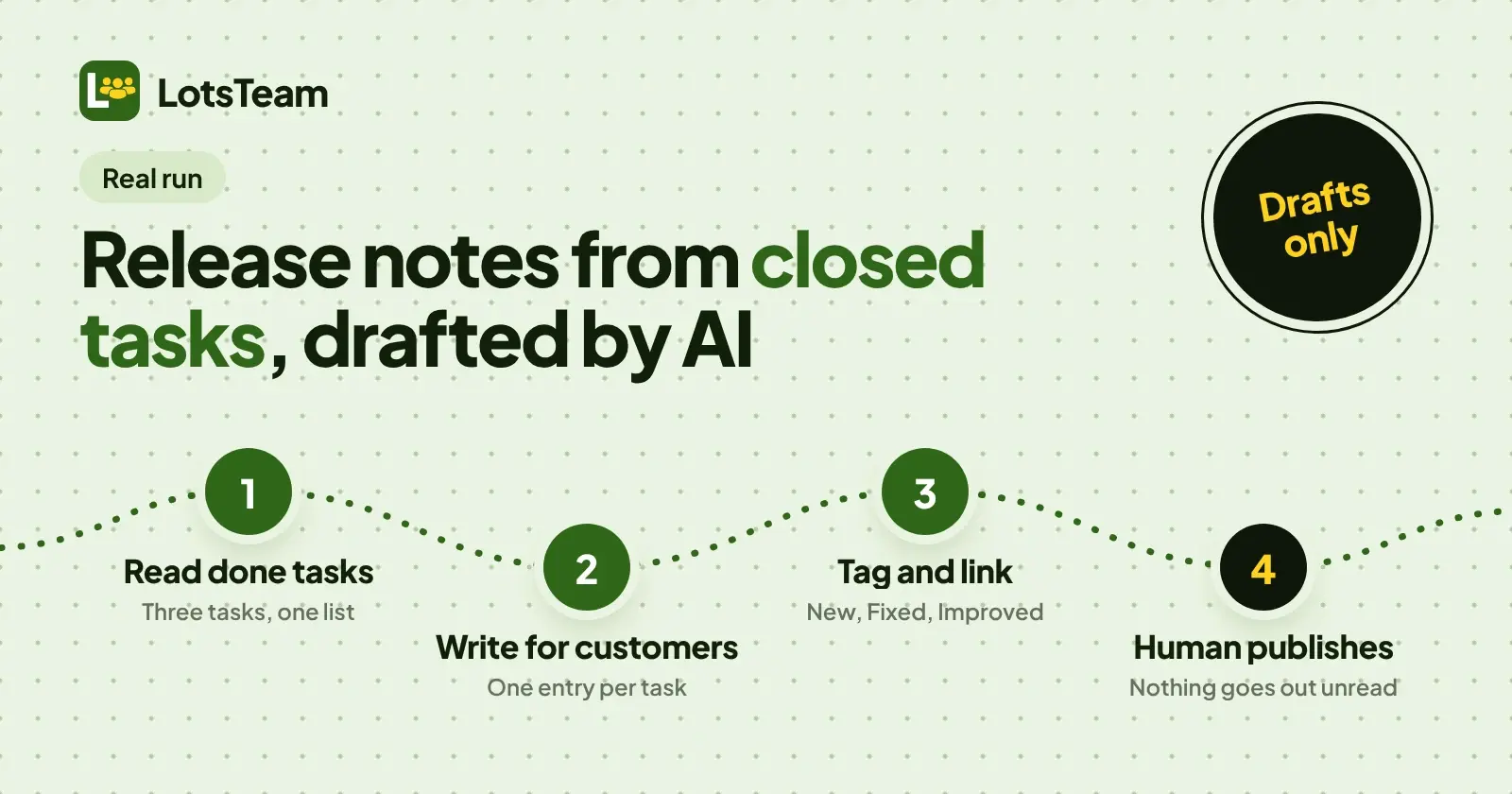
To write release notes from closed tasks with AI, have the AI read your done tasks, write one customer-facing entry per task, leave out the internal work, and save each entry as a draft linked to its task. Then a person reads the drafts and presses publish. I ran that on 14 November 2026 from a chat session connected to LotsTeam, and this post shows the three drafts the AI wrote and the rule set I'd reuse.
I'm the founder of LotsTeam. The run used a throwaway internal project with fictional data only. Nothing was sent to any customer, requester emails stayed off, and nothing was published.
The run in one view
| Step | What I did | Tool used |
|---|---|---|
| 1 | Started with one done task already in the project | none |
| 2 | Added two more tasks and marked them done | create_task |
| 3 | Read every done task | list_tasks with status done |
| 4 | Wrote one draft per task, linked to the task, tagged, not published | create_changelog |
| 5 | Stopped. A human reads the drafts and publishes | none |
I did all of it from a chat session using LotsTeam's MCP tools, not the dashboard.
The three tasks
The project already had one done task. I added two more so the run had a new feature, a bug fix and a performance change:
| Task | What it meant for users |
|---|---|
| Build CSV export for the weekly usage report | A Download CSV button, one row per day, the same columns as the on-screen table |
| Fix the report date that shows yesterday after midnight | The header used the previous day's date after midnight in the viewer's time zone. It now uses the viewer's time zone. No data change |
| Make the weekly usage report page load faster | The page waited for all 12 months of data. It now shows the current week first and loads older weeks on scroll |
The third task's description also carried an internal note: a database index was renamed. Users cannot see that, and that is the point of the exercise. Task text is written for the team. Release notes are written for the people who use the product.
What the AI wrote
It read the three done tasks and saved one changelog draft per task. Each draft was linked to its task with task_id, tagged, and saved with is_published false and notify_requesters false.
| Tag | Title | Text |
|---|---|---|
| New | Download your weekly usage report as a CSV | The weekly usage report now has a Download CSV button. The file has one row per day and the same columns as the table on screen, so it opens straight in a spreadsheet. |
| Fixed | The report header shows today's date after midnight | After midnight in your time zone, the weekly usage report header still showed yesterday's date. It now uses your time zone, so the date is right. The numbers in the report did not change. |
| Improved | The weekly usage report opens faster | The report page used to wait for all 12 months of data before showing anything. It now shows the current week first and loads older weeks as you scroll. |
Three things I'd point at:
- The wording is about the reader. "Opens straight in a spreadsheet" says what the person gets, not what the code does.
- The internal note is gone. The renamed database index is in the task and nowhere in the entries.
- The fix entry says what did not change. "The numbers in the report did not change" answers the worry a reader would have.
The rule set I'd reuse (my method)
This is my own prompt, not a LotsTeam feature. LotsTeam gives you the tools to read tasks and save drafts. The judgment about wording comes from the rules you write. Here is the set I'd reuse:
Read the done tasks in my project. For each one, save a changelog draft.

1. One change per entry. One task, one entry. Do not merge tasks.
2. Write for the customer. Say what they can now do or what now works.
   Use plain words. No ticket numbers, no code names.
3. Leave out internal work: renames, refactors, migrations, dependency
   bumps, anything a user cannot see. If a task is only internal, skip it
   and tell me which one you skipped and why.
4. Pick the tag: "new" for something users could not do before, "fixed"
   for something that was wrong and is now right, "improved" for something
   that worked and now works better.
5. For a fix, say what stopped being wrong and whether any data changed.
6. Link each draft to its task with task_id.
7. Save as drafts only: is_published false, notify_requesters false.
   Never publish. Never turn on emails to requesters.
8. When you finish, list the drafts so I can read them.
Why each rule is there:
- One change per entry keeps each line honest and lets you publish, edit or delete one without touching the others.
- Customer wording is the whole job. The AI is good at this when you say who the reader is.
- Leave out internal work matters because the model sees the whole task description. If you don't say to drop internal notes, they can leak into the entry.
- Tag choice needs a definition for each tag, or the AI guesses. LotsTeam's three tags are New, Improved and Fixed.
- Never publish without a human read is the rule I'd never drop. A done task is not proof that the work shipped, and the AI can't know that.
Why the task link matters
Each draft carries the task_id of the task it describes. LotsTeam's docs say that when an entry is linked to a task, the people whose posts are linked to that task can be emailed on first publish, and only if you turn on notify_requesters, which is off unless you set it. Anonymous voters are not emailed. In this run I kept it off. For the full publish-and-notify path, read How to Publish a Changelog and Notify the People Who Asked and my earlier run, How to Close the Feedback Loop With Customers.
What happens next: a human publishes
Publishing is a separate tool, publish_changelog, and the LotsTeam skill tells an agent to publish only when the person asks. I didn't call it. In my setup the human step is simple: open the drafts, read them, fix a word if needed, then publish. A draft that isn't ready can be edited, or deleted while it is unpublished.
What it costs
LotsTeam plans are $24 a month for 3 projects, $69 for 10 and $159 for 30. Without a plan it is $9 per project a month. Every feature and the MCP server come with every plan, and team members are unlimited. AI agent members are free, up to 20 per team. New accounts get free credits with no card. Checked on 14 November 2026 at lots.team/pricing.
If you are choosing a tool for the changelog itself, The Best Changelog Tools compares them on whether your AI agent can publish to them. For the other end of the loop, see The Best Feature Request Tools for SaaS Teams and UserVoice Alternatives for Small SaaS Teams Who Use an AI Agent.
FAQ
Can AI write release notes from closed tasks?
Yes. Give it your done tasks and a rule set, and it can write one customer-facing entry per task. In my run on 14 November 2026 it read three done tasks and saved three drafts, each linked to its task.
Should the AI publish the release notes?
No. I save drafts only and a person reads them before publishing. In LotsTeam, publishing is a separate tool, and the skill says to publish only when the person asks.
How do I stop internal work leaking into release notes?
Tell the AI to leave out anything a user cannot see, and to name any task it skips. In my run, a task note about a renamed database index stayed out of the entry.
Which tag should each entry use?
LotsTeam has three: New, Improved and Fixed. I used New for a feature users did not have, Fixed for something that was wrong, and Improved for something that now works better.
Does saving a draft email anyone?
No. In my run the drafts had notify_requesters false and were not published. LotsTeam only emails requesters when you turn that on for an entry and publish it.
Do I need the dashboard?
No. I did this run from a chat session with LotsTeam's MCP tools. The dashboard does the same work if you prefer it.
Sources
Checked on 14 November 2026: lots.team/skill.md, api.lots.team/docs.md, api.lots.team/tools.json, lots.team/features/changelog, lots.team/help and lots.team/pricing.