 LotsTeam
Guides
9 posts
How LotsTeam works: pricing, setup, running requests, tasks, support and the changelog from your AI agent.
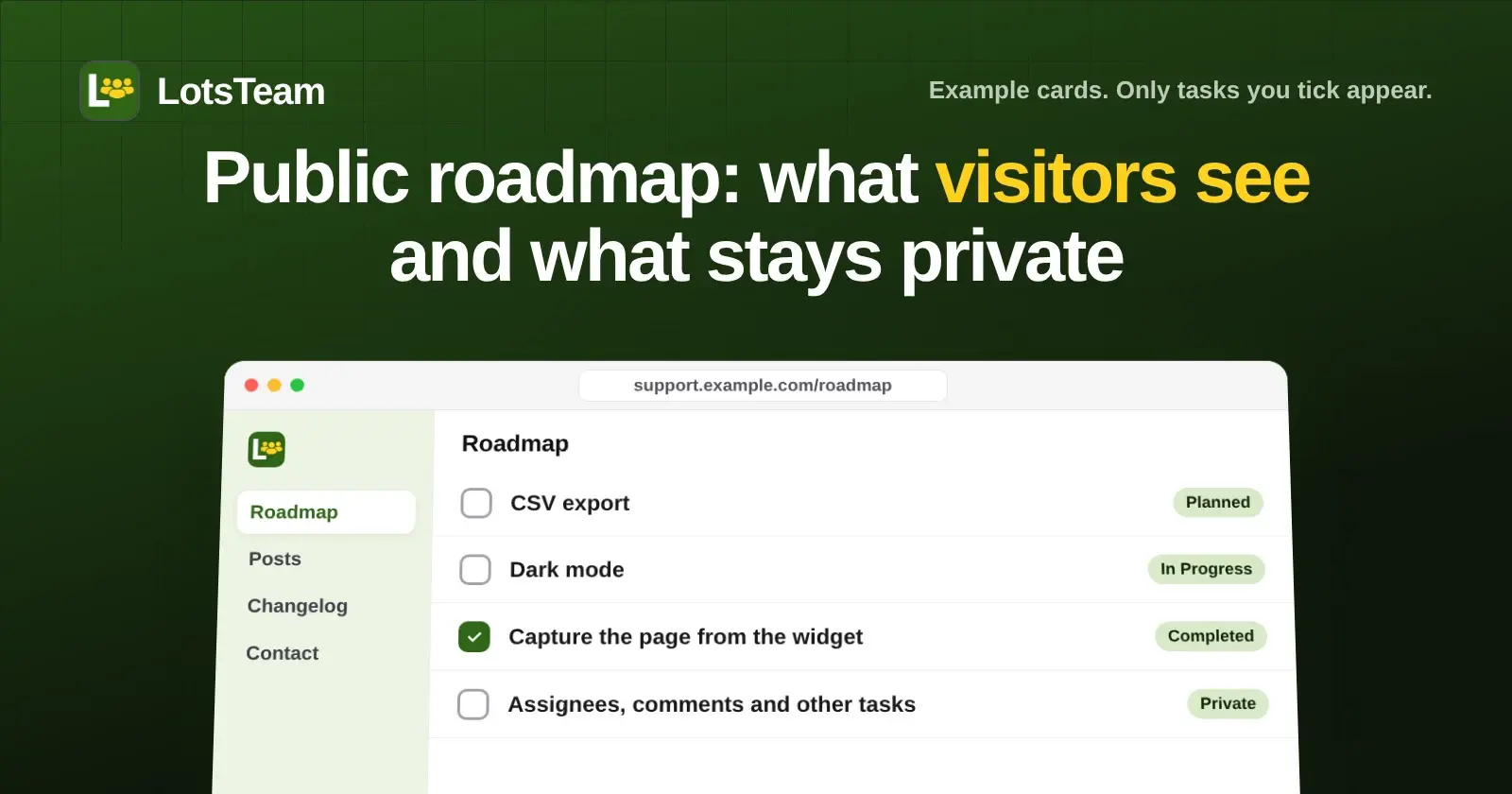
What the LotsTeam public roadmap shows (title, summary, date, status) and what stays private (assignees, comments, other tasks). Checked 16 Nov 2026.

I had AI read three done tasks and save three customer-facing changelog drafts. Here are the drafts and a reusable rule set. A human publishes.

Yes: ChatGPT or Claude can read, label, draft and send LotsTeam support replies. Sending is a separate permission. See what needs your approval.

Yes. Add an AI agent to LotsTeam as a Member or Viewer with its own name, key and projects. Free, up to 20 per team. Steps, limits and controls.

Give each client their own LotsTeam project: a feedback portal on their domain, widget, support inbox and changelog, with access you control.

Add the LotsTeam feedback widget to Next.js, Webflow, Framer or WordPress with one script tag, then triage what users send from your AI agent.

Publish a changelog entry, then email the people whose requests it delivered: dashboard and AI agent steps, what the email says, and how to write it.

Is LotsTeam safe? Connect your agent with OAuth or give it its own key. It can't delete posts, tasks or projects, and replies go out only when you say so.
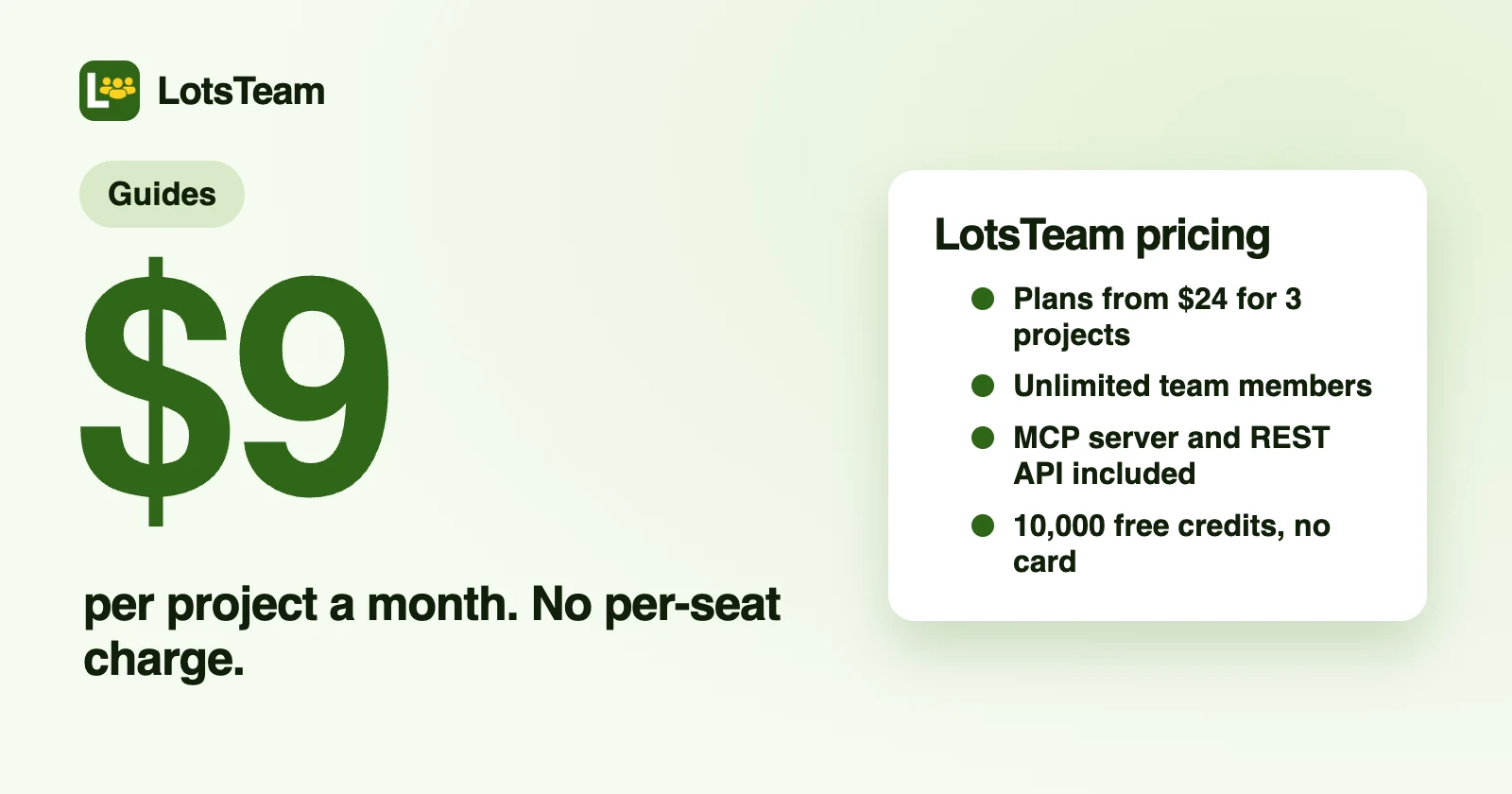
LotsTeam costs $9 per project a month on pay as you go, or $24 for 3 projects. Every plan has the same features and no per-seat charge.