 LotsTeam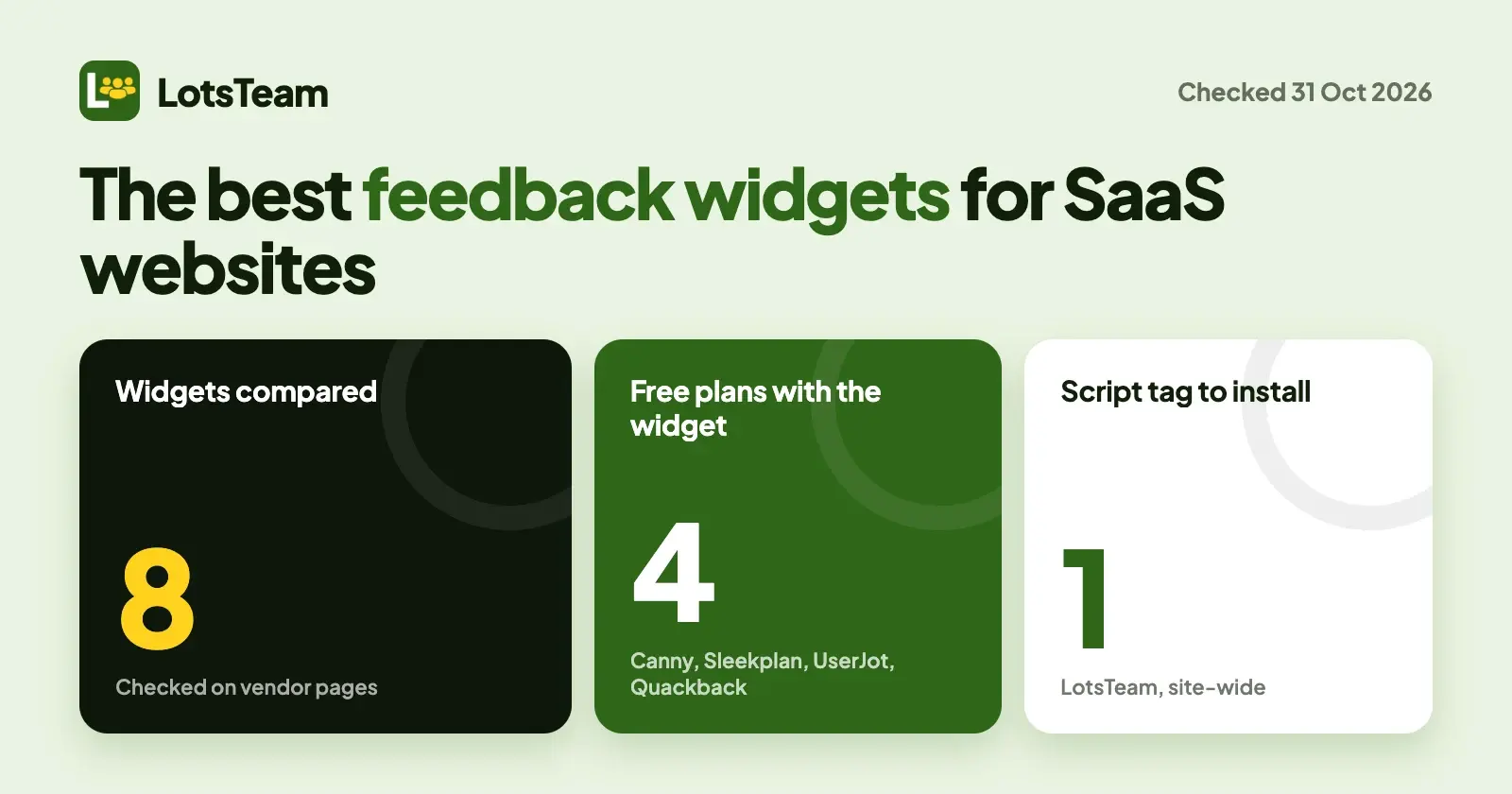
A feedback widget is a small button on your site that lets a visitor tell you what is broken or missing without leaving the page. The right one depends on what you want visitors to do: send you a message with a screenshot, post and vote on ideas, or read what you shipped. I compared eight, from each vendor's own pages, and I list LotsTeam first as the fit for founders and lean teams who want one place for messages, requests, tasks and the changelog, which they can also run from the AI agent they already use.
Facts about other tools were checked on 31 October 2026 on each vendor's own pricing page, help center or docs. Where a page does not say which plan includes the widget, I say so instead of guessing. In LotsTeam a "post" means product feedback (a request, a bug or an idea from a user), not a social media post.
The best feedback widgets at a glance
| Tool | What visitors can do in the widget | Widget on a free plan? | Paid plans start at |
|---|---|---|---|
| LotsTeam | Send a message with a page screenshot and files, send feedback, follow their own requests and reply | No free plan; free credits on sign-up, no card | $9 per project a month pay as you go, or $24 for 3 projects |
| Featurebase | Feedback widget with optional screenshot, plus a Messenger with live chat, help articles and updates | Not stated on its help pages | Growth listed at $29 per seat a month |
| Canny | Use a Canny board embedded on your page | Yes, its help center says the widget is on the Free plan | Pro from $79 a month billed yearly |
| Frill | Popover, modal, sidebar or inline widgets for ideas, roadmap and changelog | No free plan listed; 14-day trial, no card | Startup $25 a month |
| Sleekplan | Submit and vote on feedback, roadmap, changelog, CSAT, screen capture with annotation | Yes, "all plans (free + paid)" | Starter $13 a month billed yearly |
| UserJot | Feedback, roadmap and updates, with image paste and screen capture | Yes, every plan including Free | Starter $29 a month |
| Quackback | Messages, feedback, help and changelog in one widget | Yes, Free plan; also open source to self-host | Pro $29 a month billed yearly |
| AnnounceKit | Changelog and announcement widgets (not feedback intake) | Not stated on its pricing page | Changelog $59 a month |
1. LotsTeam: a chat-first widget that feeds your inbox, board and tasks
The LotsTeam widget is one script tag. It opens on a message box, because most people with a problem want to write to a person first. A visitor can:
- Write a message (at least 30 characters for a new one) and attach up to 5 files of 10 MB each: images, PDFs, .txt and .log files.
- Capture the page. A camera button next to Attach takes a screenshot of the page they are on, only when they press it. They see a preview and can retake or remove it before sending. Password, card and one-time-code fields, email, phone and address fields, and the widget itself are blanked, and you can add
data-lt-privateto any other element that must never appear. A site with a strict Content-Security-Policy can block the renderer, in which case the widget offers the browser's own tab capture. - Send feedback: pick a type, write a title and details, then leave a name and email (signed-in visitors skip that step).
- Follow their requests. A "Your requests" tab shows each request's status and thread, lets them reply, and lets them mark it solved. When ratings are on, a solved request asks "How did we do?".
- Open your changelog from a "Latest updates" link.
On your side, a message becomes a numbered case in the support inbox, and feedback becomes a post on your board, both in the same project as your tasks and changelog. You set support hours and a reply promise, and the widget shows an Online or Away dot from them. A proactive message is off by default; when you turn it on you choose which pages show it. You can limit the widget to your own sites under Allowed websites, and signed-in customers can be identified with ltWidget('identify', ...) using a hash made on your server from a secret in the dashboard. The widget sets no cookies; it keeps an anonymous token in the browser's local storage.
What it does not do: visitors do not browse or vote on other people's ideas inside the widget. Voting happens on your public portal, and the widget links to it. The widget carries a small "Powered by" line; the Setup tab has a switch to hide it, which the dashboard describes as a paid-plans option.
Price. The widget is part of every project. LotsTeam charges per project, not per seat: $9 per project a month pay as you go, or plans of $24 for 3 projects, $69 for 10 and $159 for 30, with unlimited team members (pricing checked 31 October 2026). New accounts get free credits, no card, enough to run one project for about a month.
Use your AI agent on what comes in. Your agent, signed in as you, can list and update support cases, prepare replies (sending needs your instruction), read posts, merge duplicates, create tasks and link them to the requests behind them. It cannot change the widget's settings: those live in the dashboard. I show a full run in how to triage customer feedback with Claude or ChatGPT.
Choose LotsTeam if you are a founder or lean product team that wants visitors to message you or report a bug with a screenshot, and wants the answer to land next to your tasks and changelog. Look elsewhere if you want visitors to browse and vote on a board inside the widget itself.
Install in five minutes
- In your project, click Widget in the sidebar.
- On Setup, leave Enable widget on your website on, choose Enable feedback form and Enable contact form, and add your sites under Allowed websites.
- Set colour, button text and position on Appearance, and the fields you collect on Forms.
- Save, open Install and copy the snippet:
<script src="https://lots.team/widget.js"
  data-project="YOUR_PROJECT_ID" async>
</script>
Paste it once, site-wide, before the closing body tag. The platform-by-platform steps for Next.js, Webflow, Framer and WordPress are in how to add a feedback widget to your site. An internal project has no public portal and its widget refuses to load, so keep the project public if you want one.
2. Featurebase: a feedback widget and a Messenger
Featurebase's help center describes three in-app widgets: a feedback widget that collects requests and bug reports "with optional screenshots", a Messenger that combines live chat with help articles, updates and feedback, and updates widgets that show announcements as a card, popup or dropdown. You install its JavaScript SDK once at your app root and the widget uses the signed-in user from it. The help pages I read do not state a plan requirement, and its pricing page lists the in-app widgets in a table whose per-plan marks I could not read as text, so I state no gate. Pricing is per seat: Free has one seat, and Growth, Professional and Enterprise are listed at $29, $59 and $99 per seat a month, with a yearly toggle at 20% off.
Choose Featurebase if you want live chat and a help center in the same widget and you are happy to pay per seat.
3. Canny: embed a board on your own page
Canny's widget embeds a Canny board in a page you control, so visitors use the board without leaving your site. Its help center says the widget is available on the Free plan. Its developer docs call it an advanced feature and recommend the full Canny site for most cases; single sign-on is optional, except for private boards, which need SSO tokens to render in the widget. Pro starts at $79 a month billed yearly, with pricing based on tracked users: the Free plan has 25.
Choose Canny if you already use Canny boards and want one on a page of your site.
4. Frill: four widget styles, unlimited widgets
Frill's product page lists four styles: popover from a trigger button, modal, sidebar and inline. Visitors can share ideas, follow the roadmap and read the changelog, with votes and comments tied to the customer's identity through SSO. You paste two lines of code from the dashboard. Its pricing page says paid tiers include unlimited admins and unlimited widgets, and lists no free plan: Startup is $25 a month and Business $49, with a 14-day trial and no card.
Choose Frill if you want several differently styled widgets on different pages.
5. Sleekplan: all plans, with annotated screen capture
Sleekplan's widget page says it is available on all plans, free and paid. Visitors can submit and vote on feedback, view the roadmap and changelog, answer CSAT prompts and send a screen capture with annotation. You paste a snippet from Settings, Widget, ideally before the closing head tag. The free Indie plan has a single admin; Starter is $13 a month billed yearly for 3 seats, and Business is $38 for 10 seats and adds branding removal and a custom domain.
Choose Sleekplan if you want a full board, roadmap and changelog in the widget from a free start.
6. UserJot: every plan has the widget
UserJot's widget page says it is on every plan, including Free, which has unlimited users and posts. Visitors move between feedback, roadmap and updates inside the widget, vote, comment, and paste or capture images. You paste two script tags before the closing body tag (or add the loader to a Next.js root layout) and call identify for signed-in users. Hiding "Powered by UserJot" needs Professional ($59 a month); Starter is $29.
Choose UserJot if you want a free, in-widget board with unlimited users.
7. Quackback: one widget, open source option
Quackback's pricing page lists an in-app widget with "messages, feedback, help and changelog in one widget" on all plans, including Free (1 seat, 1 board, 50 posts). Pro is $29 a month billed yearly for 5 seats, and removing the "Powered by Quackback" badge is a $59 a month add-on. It is open source under AGPL-3.0, so you can self-host it with Docker and Postgres. The pages I read do not describe how the widget is installed.
Choose Quackback if you want to self-host or start on a free plan with a messaging and feedback widget.
8. AnnounceKit: for what you shipped, not what users ask for
AnnounceKit's widgets show announcements inside your app. Its pricing page lists "10+ widget types" and says its $59 a month Changelog product includes all widget types. Its $49 a month Feature Requests product lists boards, voting and a roadmap but no widget, and the page does not mention a feedback widget. Pricing also counts monthly active users, meaning people who load the widget.
Choose AnnounceKit if the job is telling users what changed.
What to check before you install any of them
- Where the message goes. A widget that feeds a board, an inbox or both leads to different work. Decide whether a bug report should become a case, a post or a task.
- Whether visitors need to sign in. Canny needs SSO for private boards; others work for anonymous visitors. With LotsTeam, name and email are optional settings and identifying signed-in customers is optional.
- Screenshots. Check how the tool handles private fields. LotsTeam blanks sensitive fields and lets you mark more with
data-lt-private. - Branding. Removing "Powered by" sits on a paid plan or add-on in several tools: Sleekplan Business, UserJot Professional, a Quackback add-on, and in LotsTeam a switch the dashboard describes as a paid-plans option.
- Page weight and policy. The widgets here load as a script. If your site sets a strict Content-Security-Policy, test it before launch.
If you add widgets for client sites
If you run feedback for client products, give each client its own LotsTeam project: its own widget, portal, allowed websites and changelog, priced per project with unlimited team members. Feedback and changelogs for client projects walks through the setup.
Common questions
What is the best feedback widget for a SaaS website?
It depends on what visitors should do. For messages and bug reports with a page screenshot that land beside your tasks and changelog, LotsTeam. For a board visitors browse and vote on inside the widget, Sleekplan, UserJot, Frill or Canny. For live chat with help articles, Featurebase. For announcements only, AnnounceKit.
Are there free feedback widgets?
Yes. From their own pages, Sleekplan, UserJot and Quackback include the widget on a free plan, and Canny's help center says its widget is available on the Free plan. Quackback is also open source if you self-host. Featurebase has a free plan, but its pages I read do not say whether the widget is on it.
Can visitors send a screenshot through the widget?
In LotsTeam, yes: a camera button captures the page after the visitor presses it, shows a preview, and blanks password, card, one-time-code, email, phone and address fields. Featurebase offers an optional screenshot in its feedback widget, Sleekplan lists screen capture with annotation, and UserJot lists image paste and capture.
Does the LotsTeam widget show "Powered by LotsTeam"?
Yes, a small line appears by default. The Setup tab has a Hide branding switch, which the dashboard describes as available on paid plans.
How do I add the LotsTeam widget to my site?
Open your project, click Widget in the sidebar, check Setup and Install, and paste the one-line script once, site-wide, before the closing body tag. Steps for Next.js, Webflow, Framer and WordPress are in the install guide linked above.
Competitor facts checked on 31 October 2026 on each vendor's own pages: featurebase.app/pricing and help.featurebase.app (feedback widget installation, in-app widgets), canny.io/pricing, help.canny.io (the Canny widget) and developers.canny.io (widget install), frill.co/pricing and frill.co/product/widget, sleekplan.com/pricing and sleekplan.com/use-cases/feedback-widget, userjot.com/pricing and userjot.com/in-app-feedback-widget, quackback.io/pricing, announcekit.app/pricing. LotsTeam facts checked the same day from the live widget script, the dashboard, lots.team/llms.txt, api.lots.team/tools.json and the LotsTeam pricing catalogue.