 LotsTeam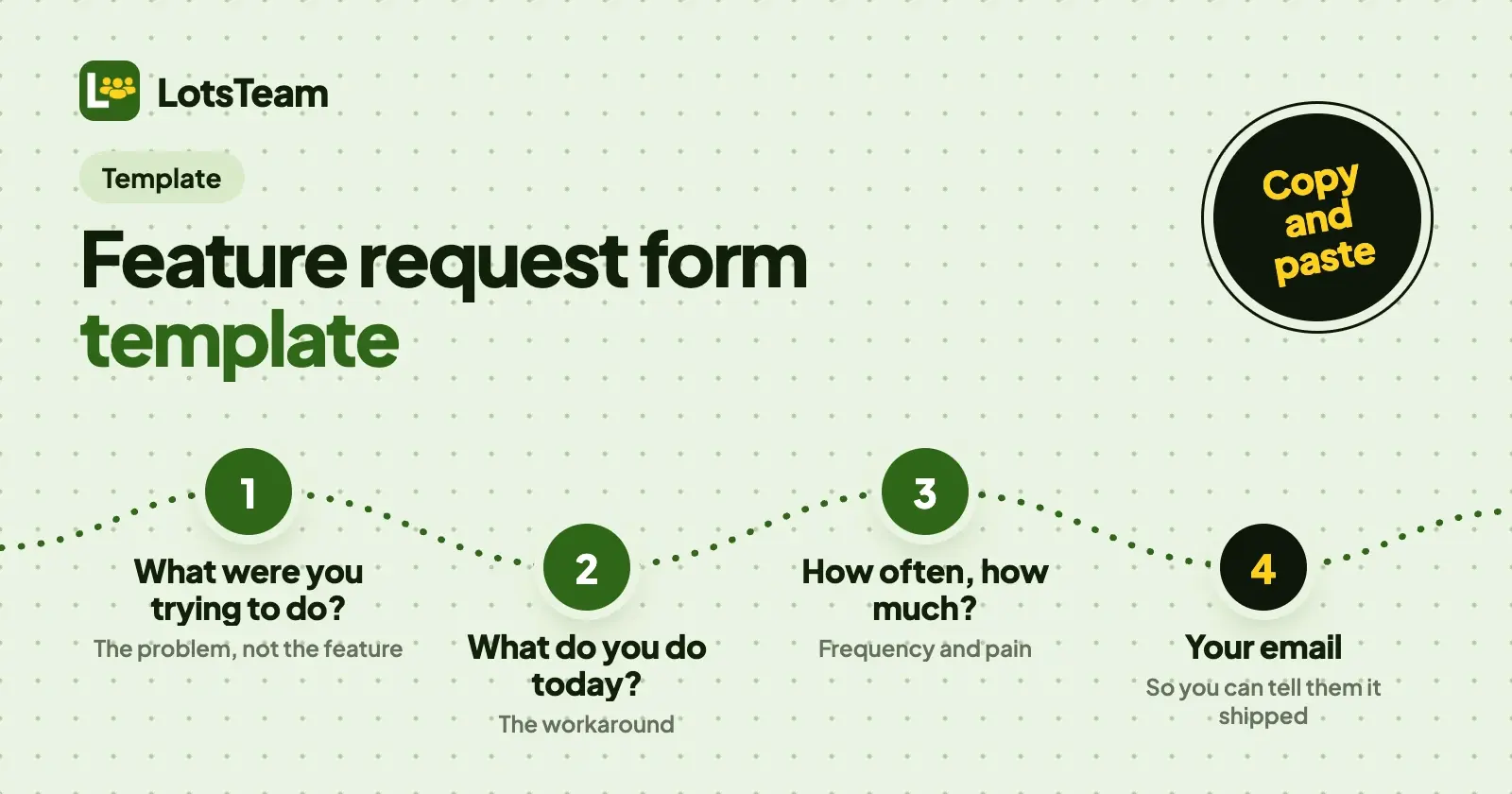
A good feature request form asks for the problem, not the solution: what the person was trying to do, what they do today, how often it happens and how much it hurts, plus an email so you can tell them when it ships. The template below has seven questions, an email field and four team-only fields.
Copy it into any form tool, a spreadsheet or your product's feedback widget. After it, I cover how to collect requests, handle votes and duplicates, what to ask when a request is vague, and how I run it in LotsTeam from my AI agent.
The template (copy and paste)
FEATURE REQUEST

1. Title (one line)
   Example: "Export bookings to CSV"

2. What were you trying to do?
   Describe the task or goal, not the feature.

3. What do you do today instead?
   A workaround, another tool, or "nothing, I give up".

4. What would you like to see? (optional)
   Your idea is welcome, but the problem above matters more.

5. How often does this come up?
   [ ] Once  [ ] A few times a month  [ ] Weekly  [ ] Daily

6. How much does it get in your way?
   [ ] Nice to have  [ ] Costs me time or money  [ ] I can't do my job without it

7. Link or screenshot (optional)

Your email (so we can tell you when it ships)

--- Filled in by the team, not shown to the requester ---
A. Type: feature / improvement / bug / question
B. Status: open / in progress / resolved / closed
C. Duplicate of: (link to the request it repeats)
D. Linked task: (link to the work it became)
That is the whole form. If you only keep four fields, keep 2, 3, 6 and the email.
Why each field is there
| Field | Why it's there | Skip it if |
|---|---|---|
| 1. Title | Gives every request a scannable name in your list, and is what people search before posting a duplicate | Never skip it |
| 2. What were you trying to do? | The most useful field. It tells you the job behind the request, so you can solve it in a way the requester never imagined | Never skip it |
| 3. What do you do today? | Reveals how painful it really is. "I export to a spreadsheet by hand every Friday" is a stronger signal than "would be nice" | You already know the answer from a call |
| 4. What would you like to see? | Captures the requester's idea without letting it replace the problem. Optional on purpose | You want pure problem statements |
| 5. How often? | Separates a daily blocker from a once-a-year wish. Multiply it by the number of people asking | The form is for a single known customer |
| 6. How much does it get in your way? | A rough pain scale in the requester's own words. It is a signal for you, not a priority score | You score priority yourself later |
| 7. Link or screenshot | Saves a round of "which page do you mean?" | Requests are never about a specific screen |
| Without it you can't tell the person it shipped, or ask a follow-up question | Never skip it. Make it optional only if you must | |
| A. Type | Keeps bugs out of your feature list | Your form only takes features |
| B. Status | Lets requesters and your team see what is happening | Never skip it |
| C. Duplicate of | Stops five people's requests becoming five tasks | Low volume |
| D. Linked task | Closes the loop: when the task ships, you know who to tell | You have no task board yet |
Three fields I left out on purpose: "Priority" (requesters rate everything high, so ask for impact, not priority), "How much would you pay?" (hypothetical prices are noise) and "Company size" (ask it once on signup, not on every request).
Three examples, filled in
All three are for made-up products at example.com.
Example 1: a strong request (Example Scheduler, scheduler.example.com)
1. Title: Send reminder emails in the client's time zone
2. What were you trying to do? I book calls with clients in other
   countries. The reminder says "10:00" and they don't know whose
   10:00 it is.
3. What do you do today? I write the time in each client's zone into
   the booking note by hand, then forget half the time.
4. What would you like to see? Reminder times in the client's zone.
5. How often? Weekly
6. How much? Costs me time or money (two no-shows last month)
Email: sam@example.com
Why it works: it names a task, a workaround, a frequency and a cost. You could build three different fixes from it.
Example 2: a vague request, and what to ask back (Example Notes, notes.example.com)
1. Title: Better search
2. What were you trying to do? Find stuff
3. What do you do today? Scroll
5. How often? Daily
This one is typical. It still has a signal (daily), so don't discard it. Reply with the follow-up questions in the section below, and update the request with the answers.
Example 3: a request heard on a call (Example Invoices, invoices.example.com)
1. Title: Let clients pay part now, part later
2. What were you trying to do? Agencies ask to split a large invoice
   into a deposit and a final payment, and I make two invoices today.
3. What do you do today? Two invoices, which confuses their
   accounting team.
5. How often? A few times a month
6. How much? Costs me time or money
Email: priya@example.com (asked on a call, 24 October)
Why it works: even though nobody filled in a form, the founder wrote it up in the same shape. Requests that arrive by call, email or chat should be logged with the same fields, or your list only reflects people willing to fill in forms.
How to collect requests
Form or widget? A standalone form (a link in your footer, in onboarding emails and at the end of support replies) reaches people who are already thinking about your product. A widget inside the product catches people at the moment of friction, when they remember exactly what they were trying to do. I'd use both, pointed at the same list. A spreadsheet or a free form tool is enough while you get a handful of requests a month. Move to a tool when the list outgrows what you can read in one sitting.
Keep the form short. The seven questions above are the ceiling. Make only the title and the problem required; every extra required field cuts submissions.
Log the requests nobody types. Calls, emails, chat messages and support replies hold most of your real requests. Add each to the same list with the same fields. Note who asked.
Let people see the list. A public board where people can see existing requests and add a vote cuts duplicates, and it shows the people who asked that someone is listening.
Voting and deduplication
Votes are a useful signal and a poor decision. They tell you how many people care, not how much, and loud users vote more than quiet ones. Treat the vote count as one input next to frequency, pain and who is asking.
To keep the list clean:
- Search before posting. Put a "has someone already asked?" step before the form: a board people can scan, or a search box.
- Merge, don't delete. When two requests ask for the same thing, keep the better-written one and close the other as a duplicate, with its votes and requesters moved across. If you delete duplicates, you lose the list of people to tell when it ships.
- Merge by problem, not wording. "Dark mode" and "reduce eye strain at night" can be the same request. "Export to CSV" and "export to Excel" might not be.
- Keep every requester. The point of merging is that all of them get told. Link them all to the one task.
What to ask the requester when a request is vague
Five questions cover almost every vague request. Ask them in a reply, not in the form:
- "Can you walk me through the last time this came up? What were you doing right before?"
- "What did you do instead?"
- "What does that cost you: time, a client, a workaround you'd rather not do?"
- "How often does it happen?"
- "If we shipped this tomorrow, what would you stop doing?"
Avoid "Would you use this?" and "Would you pay for it?": people say yes to both and it tells you nothing. Ask about what they did last time, not what they might do next time.
How it works in LotsTeam
LotsTeam is where I keep this list. A project holds the widget, the public portal, the requests, the tasks and the changelog together. In LotsTeam a "post" means a piece of product feedback, such as a feature request, a bug or an idea from a user, not a social media post. You can run it from the dashboard, and from ChatGPT, Claude or another AI agent you already use, with your own permissions.
The form is the widget. The LotsTeam widget is one script tag on your site. Its feedback form asks for a type (bug report, feature or idea, improvement or other), a title and details (at least 15 characters), and then a name and email, which you can make optional or required on the widget's Forms tab. You can also edit the placeholder text of the details box there, so put the prompt "What were you trying to do, and what do you do today?" in it, and your requesters answer fields 2 and 3 of the template without a longer form. The widget setup and per-platform steps are in how to add a feedback widget to your site.
The portal is the list. Your project's public portal lets visitors post requests and upvote the ones that are already there, so people can find an existing request before they write a new one.
What arrives. Each widget submission becomes a post in your project, tagged as coming from the widget and with the page it was sent from. A post has a type and a status (open, in-progress, resolved, closed or published), and you can filter and sort the list by either, or by votes.
Where the agent helps. Connect LotsTeam to your agent at https://api.lots.team/mcp and it can do the repetitive part of this:
- read your posts, filtered by type and status and sorted by votes, with their comments (
list_posts,get_post,list_post_comments) - log a request you heard on a call or in an email, with who asked (
create_post, which takes the title, description, type, and the requester's email and name) - turn a support message into a tracked request (
update_contact_messagewithtrack_as_post) - merge duplicates into one post, moving their votes across and linking every task to all of them (
merge_posts, up to 20 duplicates at a time, nothing deleted, after you confirm the duplicates) - create a task and link every post that asked for it (
create_task,link_post_to_task) - change a post's status (
update_post) - publish the changelog entry for the task and, when you agree, email the people whose posts are linked to it (
publish_changelogwithnotify_requesters)
Merging duplicates is done through your agent or the REST API. Voters on the public portal are anonymous, so they aren't emailed; the people who give an email on the form are.
Here is the prompt I'd start with:
In my LotsTeam project "<project name>", read every open post of type
feature. Group the ones that ask for the same underlying problem and
show me each group with its posts and vote counts. Don't merge anything
yet. For every group, tell me which template fields are missing
(what they were trying to do, what they do today, how often). Then
wait for me to confirm which groups to merge and which to turn into tasks.
Once you confirm, the agent merges, creates the tasks and links the posts. If you'd rather see it on real data first, I ran this kind of pass in how to triage customer feedback with Claude or ChatGPT and scored the result in how to prioritize feature requests with an AI agent. When a task ships, publish the changelog and notify the people who asked.
What it costs, and when you don't need a tool
Checked on 24 October 2026 against the LotsTeam pricing page and the live pricing catalogue. LotsTeam is $9 per project per month with no plan, or Starter at $24 a month for 3 projects, Pro at $69 for 10 and Business at $159 for 30; yearly plans are ten times the monthly price. Every plan has the same features, with unlimited team members. New accounts get 10,000 free credits, valid 90 days, no card. A project is one product's feedback, tasks, portal and changelog. LotsNotes Pro, which keeps your product context in one place for your agents, is included with Pro and Business plans; see lotsnotes.com/pricing.
A free option is perfectly good while you're small. A spreadsheet and a form tool cost nothing. Among feedback tools, Canny has a Free plan with 25 tracked users, Featurebase has a Free plan with 1 seat, and Quackback has a free plan too (all checked on 24 October 2026 on their own pricing pages). Pick on what you need: how many requests you get, whether you want the list to connect to tasks and a changelog, and whether you want to work from an AI agent.
FAQ
What should a feature request form include?
A title, what the person was trying to do, what they do today, how often it comes up, how much it gets in their way, and an email so you can tell them when it ships. Add an optional field for their idea and one for a link or screenshot. Keep only the title and the problem required.
How long should a feature request form be?
As short as you can: seven questions at most, with only the title and the problem required. Use the rest as optional prompts. A long form gets fewer, worse requests.
Should I let users vote on feature requests?
Yes, as one signal among several. Votes show how many people care, not how much. Read them next to how often the problem comes up and how painful it is, and merge duplicate requests so the votes land on one entry.
How do I handle duplicate feature requests?
Keep the clearest request, close the others as duplicates, and move their votes and requesters across so everyone is told when it ships. Merge by the underlying problem, not by the wording. In LotsTeam your agent does this with merge_posts after you confirm the duplicates; nothing is deleted.
What do I ask when a request is vague?
Ask about the last time it happened: what they were doing, what they did instead, what it cost them and how often it happens. Avoid "would you use this?" and "would you pay?".
Can I use this template in Google Forms, Typeform or a spreadsheet?
Yes. The template is plain text. Make each numbered line a form question, or a spreadsheet column, and add the team-only fields (type, status, duplicate of, linked task) as extra columns.