 LotsTeam
When you connect Claude or ChatGPT to a feedback or support tool, the agent usually acts as the person who signed in, with that person's role. A few tools hand out an API token instead, and then the agent acts as whatever that token is allowed to reach. What it can do depends on the tool: Help Scout's official connection is read-only today, while Canny, Featurebase, Quackback and UserJot can change data, and Featurebase, Quackback and UserJot list delete tools.
I checked each vendor's own MCP page on 3 November 2026. The table below has the facts, and the checklist further down is what I would run before connecting any agent to a tool that holds customer messages.
What a good permission model looks like
After running a product with agents, I look for five things:
- A named identity. The agent signs in as a person, or has its own seat. A shared key that nobody owns is the weak spot.
- Your role, not more. A viewer's agent reads. A member's agent works in the projects that member can open.
- Writes you can see. Every change the agent makes shows up in the same record your team reads, with a name on it.
- A way to stop it alone. You can pause or remove the agent without changing your own login.
- No surprise deletes. Destructive actions are either missing from the agent or clearly separated.
LotsTeam is built around those five. Your own connector signs in as you with your role, and each AI agent can also get its own seat with an Agent badge, its own key and no sign-in. Details are in the LotsTeam section below.
Comparison: who the agent acts as
Checked on 3 November 2026. Quotes are from each vendor's own page, linked in the Sources line at the end.
| Tool | How the agent signs in | Who it acts as | Read or write | Audit trail or scoping | Plans listed |
|---|---|---|---|---|---|
| Canny | OAuth, "No API keys" | "your existing Canny permissions" | Both: "scoped to your permissions and logged with undo" | "every action is recorded in an audit log" | "any paid plan" on its marketing page, Free, Pro and Business in its pricing table |
| Featurebase | OAuth | A Featurebase teammate; it will "inherit that teammate's existing permissions" | Read-only and write/delete tools through one connection; your AI client can allow, confirm or turn off each tool | Changes "are recorded in your Workspace activity" | "all paid plans" |
| Help Scout | OAuth sign-in on Help Scout's page | "your Help Scout user" | "Read-only access" for connections created today; write actions are "on the roadmap" with "no date" | The page says "you can't see or revoke individual connections in Help Scout" the way you can with installed apps | Standard, Plus and Pro; report tools need Plus or Pro |
| Upvoty | Scoped token | "the same scoped tokens as our REST API": read-only, read-write or admin | Depends on the token's scope | "the same audit log as direct API calls, with the agent identifier, timestamp, and outcome" | The pricing page lists "Upvoty MCP" under Hyper |
| UserJot | API token sent as a bearer header | A token "can reach your whole workspace" | Reads and writes; "an agent can delete requests, comments, boards, and changelog posts" | One token per agent, revocable from Settings; an audit log is not described on the MCP page | "Every plan, including Free" |
| Quackback | API key (starts with qb_) or OAuth | Each key "acts as its own identity"; key access is limited by what its creator's role allows | Scopes per area (feedback, changelog, help center, conversations, settings), read or read and write | "the activity log shows which key did it" | On Quackback Cloud, "included from the Pro plan" |
| LotsTeam | OAuth, no key to paste; an AI agent member uses its own key or connector address | Your connector: you, with your role. An agent member: itself, with an Agent badge | Posts, tasks, support replies and changelog; no tool to delete a post, task or project | Every agent action is on the record in the workspace | Every plan |
Checked on 3 November 2026.
What each vendor's page says
Canny. The MCP page says setup "uses OAuth, access is limited to your existing Canny permissions, and every action is recorded in an audit log." It covers reads and changes, "scoped to your permissions and logged with undo." Its marketing page says the MCP server is available on any paid plan, while its pricing table and help center list it on Free, Pro and Business (checked on 15 November 2026). Source: canny.io/features/mcp.
Featurebase. Its help article says "AI tools authenticate as a Featurebase teammate and inherit that teammate's existing permissions." One connection carries read-only tools and write/delete tools, and your AI client can show them separately so you can allow a tool, require confirmation, or turn it off. On Claude Team or Enterprise, an Owner or Primary Owner has to enable custom connectors first. Each teammate connects with their own account.
Help Scout. The docs say "Connections created today are read-only": the agent can find and summarize, but it cannot reply to customers, add notes, change tags or edit Docs articles. A small number of accounts from the MCP beta kept write tools. Write actions for all accounts "are on the roadmap. There's no date to share yet." The connector acts as your Help Scout user, so inbox permissions decide what it can see. The page also notes that there is no Help Scout setting to turn MCP off account-wide, and that removing the connector from your AI client does not reliably cancel the credential: an access token stays valid for up to 2 hours and its refresh token for up to 30 days. Deactivating the user is the reliable cut-off.
Upvoty. The MCP page describes scoped tokens for read-only analysis, read-write automation and admin, with every tool call captured in the same audit log as API calls. It also says "the scopes are tight (read-only by default)". On pricing, "Upvoty MCP" is listed on the Hyper plan.
UserJot. You create an API token under Settings, and the page warns that "a token can reach your whole workspace, so give each agent its own and revoke any of them from the same page." It suggests trying new workflows in a test workspace first and having the agent leave changelog posts as drafts.
Quackback. OAuth connections "start with the four read scopes" and the server asks for more when a tool needs a write scope. API keys hold the access chosen when they were created, limited by the creator's role. Agents can create and delete posts and changelog entries, and vote on behalf of customers.
Checked on 3 November 2026.
How LotsTeam handles it
I read the live site, the MCP page and the MCP tool list today.
Your own connector. You add https://api.lots.team/mcp to Claude, ChatGPT, Claude Code, Codex or Cursor and sign in. The site says "The agent signs in as you, so it can only do what your role allows," and "Viewers read; members work in the projects they can open." Support replies go out only when you say so. I called get_profile through the connector today and it returned my own signed-in Lots account, not a shared service identity.
An agent with its own seat. On the Team page you choose Add an AI agent, name it, pick Member or Viewer, and pick its projects. It gets its own key, shown once. It can also connect from Claude or another MCP app with its own address: you open the agent's menu, choose Connected apps, and copy the address. Only owners and admins can connect an app as an agent.
What the agent member gets and does not get, from the live site:
- Its own name and an Agent badge on what it writes.
- No sign-in to the dashboard.
- No inviting people, and no changing roles, settings or billing.
- You can pause it, replace its key or remove it without touching your own login.
- Free, up to 20 per team, on every plan.
Deletes. The agent has no tool to delete a post, a task or a project. I checked the live tool list: the delete tools that exist are for your own comments on a post or task, and for an unpublished changelog draft (owners and admins only). Deleting a project and billing stay in the dashboard.
Checked on 3 November 2026.
Checklist before you connect an agent to a support tool
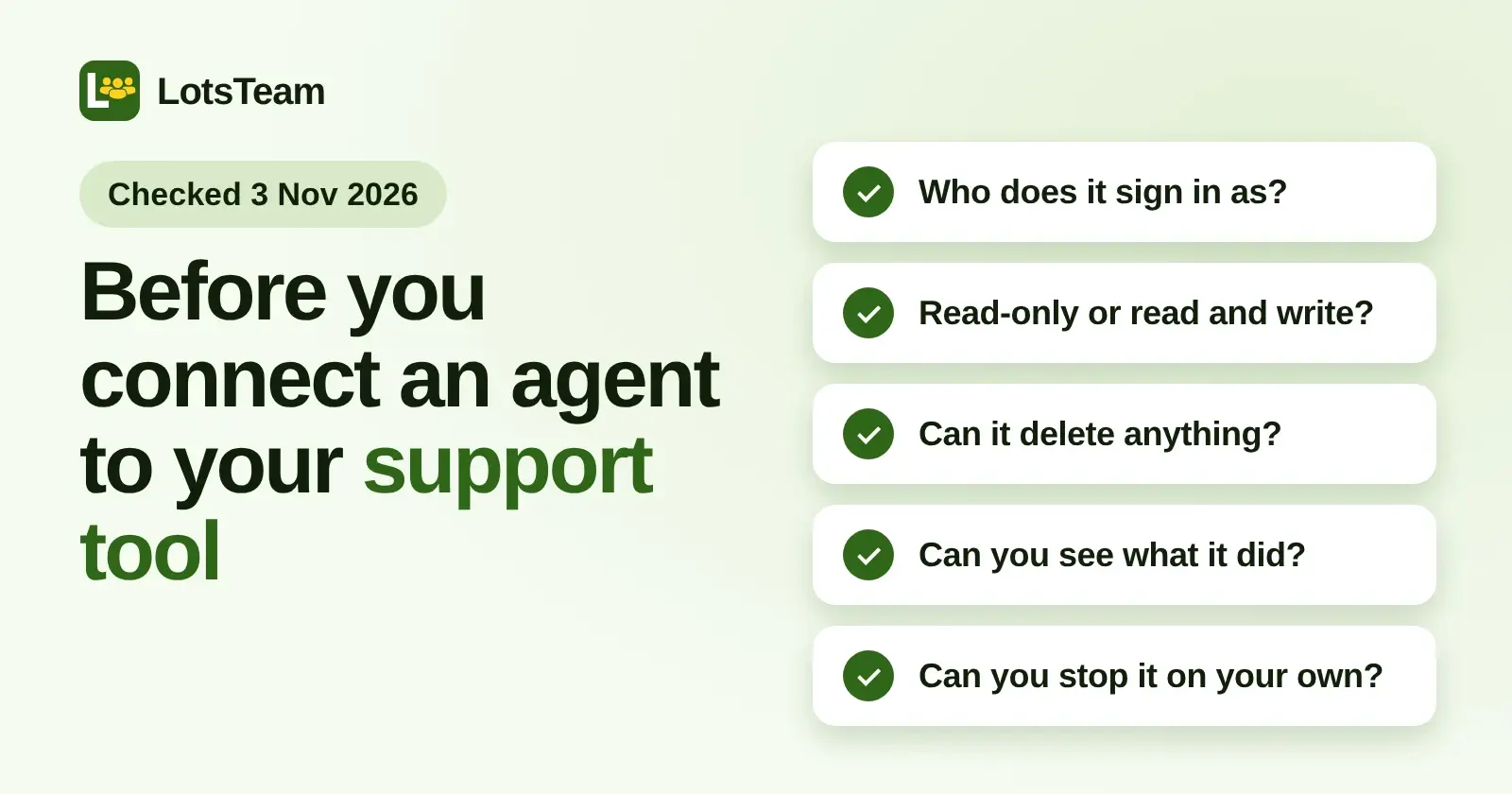
- Who does it sign in as? A person, its own seat, or a shared token? Prefer a named identity.
- Does it inherit a role? Check that a viewer's agent really only reads.
- Read-only or read and write? If it writes, find out whether it can send replies to customers.
- Can it delete? Look for delete tools in the connection's tool list and switch them off in your AI client.
- Can you see what it did? Look for an audit log or activity feed with a name on each entry.
- Can you stop it alone? Know how to revoke the token or remove the connector, and how long the credential stays valid afterwards.
- Which plan includes it? Confirm before you plan around it.
- Try it on test data first. A test workspace shows you what the agent does before it touches real data.
If you own the business
You do not need an agent to use LotsTeam: the dashboard does the whole job, and your agent works in the same records. Give it a Viewer seat first, read what it produces, then widen its projects.
More on the same topic: Which Support Desks and Issue Trackers Have an MCP Server?, The Best Feedback Tools With MCP Support, AI Agent as a Team Member and Is LotsTeam Safe?. To try it, start at LotsTeam or read the MCP page.
FAQ
When I connect Claude or ChatGPT to my feedback tool, who does the agent act as?
Usually as the person who signed in, with that person's role. Canny, Featurebase, Help Scout and LotsTeam describe sign-in that way. Upvoty and UserJot use tokens, and Quackback offers keys or OAuth, so check what the token or key can reach. Checked on 3 November 2026.
Is the Help Scout MCP server read-only?
Yes for connections created today. Help Scout's docs say the agent cannot reply to customers, add notes, change tags or edit Docs articles, and that write actions are on the roadmap with no date. Checked on 3 November 2026.
Can an AI agent delete data through MCP?
It depends on the tool. UserJot says an agent can delete requests, comments, boards and changelog posts, and Featurebase lists delete tools among its write/delete tools. In LotsTeam the agent has no tool to delete a post, task or project. Checked on 3 November 2026.
What is the difference between my own connected agent and an AI agent member in LotsTeam?
Your own agent signs in as you and works with your role. An AI agent member is a separate teammate with its own key, an Agent badge, and only the projects you give it, so you can pause or remove it without touching your login.
Do I need a paid plan to use MCP?
Often yes. Featurebase says all paid plans, Canny lists it on every plan including Free (checked on 15 November 2026), Help Scout lists Standard, Plus and Pro, Upvoty lists MCP under Hyper, UserJot says every plan, including Free (checked on 5 November 2026), and Quackback Cloud says from Pro. LotsTeam has no feature gates by plan. Checked on 3 November 2026.
Sources, all opened on 3 November 2026: canny.io/features/mcp, help.featurebase.app/articles/6144007-featurebase-mcp-server, docs.helpscout.com/article/1779-connect-your-ai-agent-with-help-scout-to-search-conversations-and-pull-reports, upvoty.com/features/mcp, upvoty.com/pricing, userjot.com/mcp, quackback.io/docs/mcp, quackback.io/pricing, lots.team, lots.team/mcp, lots.team/pricing and api.lots.team/tools.json.