 LotsTeam
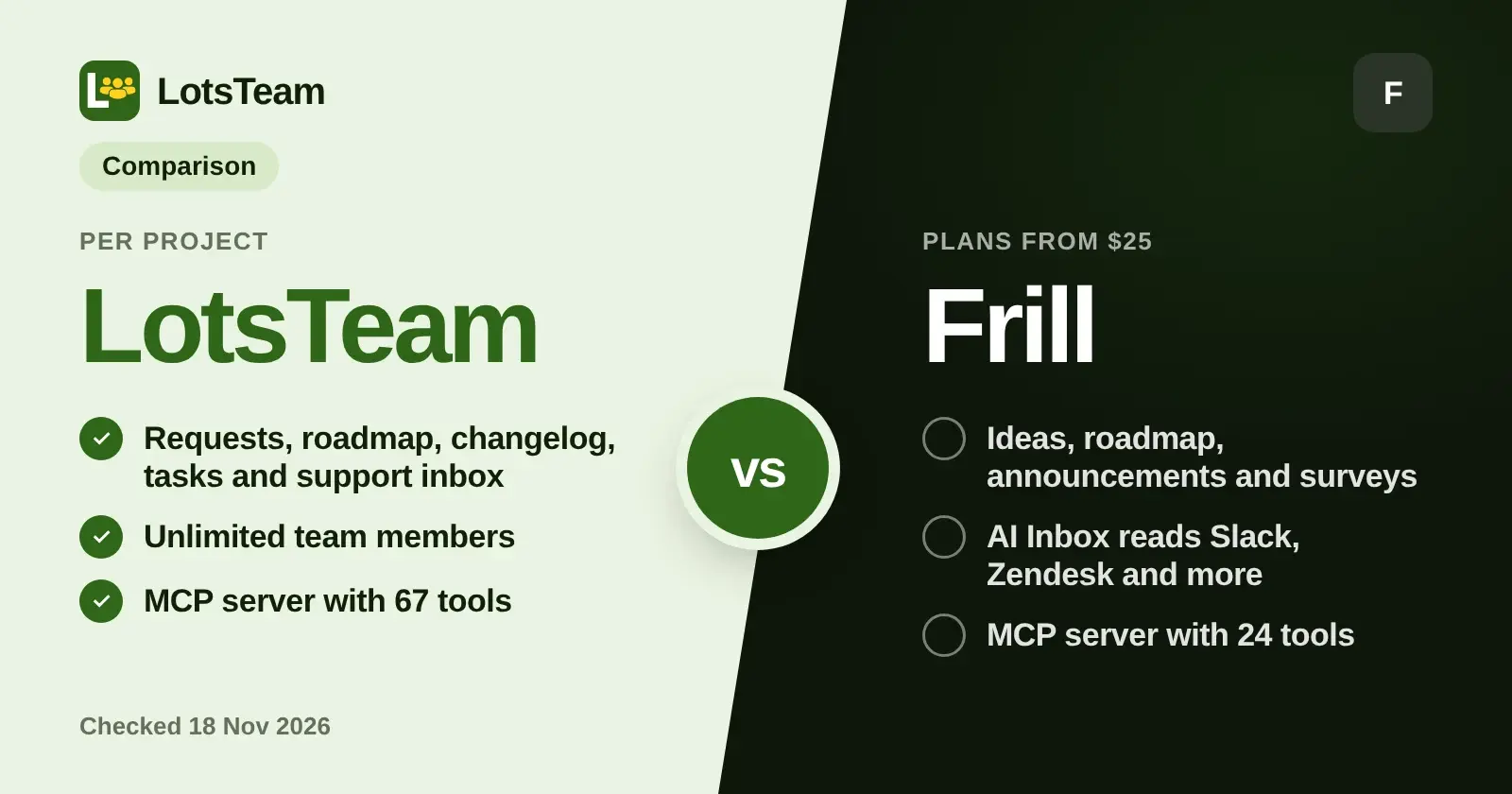
LotsTeam and Frill both give you a feedback board, a public roadmap and announcements, and both have an MCP server your AI agent can use. The difference is what sits around the board: Frill is an embedded ideas board with surveys and an AI Inbox, while LotsTeam keeps the request, the task, the support case and the changelog entry in one project, priced per project with unlimited team members. If you want the request to turn into work and an "it's live" message without a second tool, that is the case I built LotsTeam for. Frill facts below are from Frill's own pages, checked on 18 November 2026.
I'm the founder of LotsTeam, so I lead with where it fits and give Frill its real strengths. If you are still choosing between several tools, the shorter reads are AnnounceKit Alternatives for Teams That Want Feedback, Changelog and Tasks and The Best Tools to Tell Users When a Feature Ships, which mention Frill in passing. This page is the head-to-head.
The short version
| LotsTeam | Frill | |
|---|---|---|
| Built around | One project per product: feedback, roadmap, changelog, task board and support inbox | An embedded ideas board with roadmap, announcements, surveys and AI Inbox |
| What the work becomes | A task on the built-in board, linked to the posts that asked for it | An idea you can send into Linear as an issue, or to Jira and Trello |
| Support inbox | Built in: cases, customer portal, email replies, agent-drafted replies you approve | AI Inbox pulls feature requests out of Slack, Zendesk, Jira, Linear and Trello |
| Announcements | Changelog on your portal, optional email to the people who asked | Announcements with email subscribers, boosted pop-ups in the widget, segments, scheduling |
| Surveys | Not part of LotsTeam | NPS, CSAT, idea polls, quick polls, open feedback |
| Pricing unit | Per project, unlimited team members | Plan tiers with unlimited admins and tracked users |
| Starting price | $9 per project a month pay as you go, or plans from $24 for 3 projects | Plans from $25 a month |
| MCP server | https://api.lots.team/mcp, 67 tools | https://mcp.frill.co/mcp, 24 tools |
Sources: lots.team/pricing, api.lots.team/tools.json, frill.co/pricing and Frill's MCP help article. Checked on 18 November 2026.
Where LotsTeam fits better
The request becomes a task in the same record
In LotsTeam a post from your widget or portal links to a task on the project's own board, and the task can go on a public roadmap with its own public summary and an estimated date. You can merge up to 20 duplicate posts into one, and votes move to the post you keep. When the work is done, the changelog entry is linked to the task, so it knows how many people asked.
Frill's integrations pages describe the other route: ideas are sent into Linear as issues with a link back to Frill, status syncs with Jira, Linear and Trello, and the work itself lives in that tool. That is a good fit if your team already works in Linear or Jira. LotsTeam is for the team that does not want that second system. I wrote about the loop in How to Publish a Changelog and Notify the People Who Asked.
Support and feedback in one project
Every LotsTeam project has a support inbox next to the feedback board: cases with a number, status, priority and assignee, a customer portal, email replies that land in the same case, and replies your agent drafts and sends when you tell it to. A case can be tracked as a feature request, and when that request ships the customer gets one "It's live" email.
Frill's AI Inbox goes the other direction: it reads Slack, Zendesk, Jira, Linear and Trello, pulls out the feature requests and lets you add each one to your board in one click. If your support lives in a separate desk and you only want the requests pulled out of it, that is a clean design.
One price per project, unlimited people
LotsTeam bills projects, where a project is one product with its own board, tasks, support inbox, changelog and portal. Plans cover 3, 10 or 30 projects, or you pay $9 per project a month from credits with no plan. Organizations and team members are unlimited, and every feature comes with every project. Frill prices by plan tier and also leaves admins and tracked users unlimited, so neither tool charges you per seat or per voter.
If you run client products or several of your own, the project unit is the part to read carefully: see LotsTeam Pricing Explained for the plans and pay-as-you-go side by side. Eligible new accounts get 10,000 free credits, valid 90 days, no card.
An AI agent that is a member of the team
Both tools let an agent work in your feedback data. LotsTeam goes one step further: an AI agent can be a team member with its own name, its own key and an Agent badge on everything it does, free for up to 20 per team on every plan. You choose Member or Viewer and the projects it can see. It cannot sign in to the dashboard, invite people, change roles or settings, or touch billing, and you can pause it or replace its key from the Team page. I covered this in Can an AI Agent Be a Member of Your Team?.
Where Frill is strong
Frill is a focused feedback tool, and several things it does sit outside what LotsTeam is built for:
- Surveys. NPS, CSAT, idea polls, quick polls and open feedback, embedded in your product and targeted at user segments. Startup includes 1 survey, Business 3, and Growth lists unlimited surveys.
- Announcements that reach people in the app. Boosted announcements pop up in your widget the next time a customer opens your product, with opt-in email subscribers, customer segments, scheduled publishing, and emails to every voter when you link an announcement to the ideas it shipped.
- Idea handling. Vote on behalf of customers, idea approval before anything appears on the public board, duplicate detection and one-click importers from tools such as Canny and Upvoty.
- Branding and SSO. White labeling, a custom domain and SSO for the widget, with micro roadmaps if you run several products.
If in-product surveys or pop-up announcements are the center of what you need, Frill is built for that.
The MCP servers side by side
| LotsTeam | Frill | |
|---|---|---|
| Endpoint | https://api.lots.team/mcp | https://mcp.frill.co/mcp |
| Sign-in | Sign in with your account, or an API key for agents that need one | Sign in with Frill (OAuth), or an API key as a bearer header |
| Tools | 67 | 24 (13 read, 11 write) |
| Covers | Posts, comments, tasks, roadmap, changelog, support cases, projects, team and agent duties | Ideas, votes, comments, announcements, statuses, topics, followers, segments |
| Agent access | An agent can be a Member or Viewer on chosen projects | Frill says an API key gives full access and cannot be made read-only; OAuth shows the permissions requested |
Frill's help article also notes that changes made through its MCP server send no emails, Slack or Zapier posts, or webhooks. Sources: Frill MCP help article and api.lots.team/tools.json, checked on 18 November 2026. Setup for Claude, ChatGPT, Codex and Cursor is on lots.team/mcp.
Which one should you pick
- Choose LotsTeam if you want requests, tasks, support cases and the changelog in one project, you want the people who asked to hear when it ships, you run more than one product, or you want your AI agent to work as a named member of the team with limited access.
- Choose Frill if you want an embedded feedback board with surveys, pop-up announcements in your widget and your tasks to stay in Linear or Jira.
If you are weighing other tools too, LotsTeam vs Canny and LotsTeam vs Featurebase use the same format, and The Best Public Roadmap Tools puts the roadmaps side by side.
FAQ
Is LotsTeam a good Frill alternative?
Yes, if you want more than a feedback board. LotsTeam covers the same three jobs Frill's board does, which are collecting requests, showing a public roadmap and announcing what shipped, and adds a task board and a support inbox in the same project, priced per project with unlimited team members.
Does Frill have an MCP server?
Yes. Frill's help article describes a server at https://mcp.frill.co/mcp with 24 tools that read and change ideas, votes, comments and announcements. You sign in with your Frill account or use an API key. Checked on 18 November 2026.
Does Frill email people when a feature ships?
Frill's announcements page says that when you link an announcement to the ideas it shipped, every voter is emailed, and customers can also subscribe to the changelog by email. In LotsTeam you link the changelog entry to the task and tick "Email the people who asked" for that entry. It is off by default, goes out once, reaches at most 100 people and skips anonymous voters. Checked on 18 November 2026.
Can my AI agent publish announcements in each tool?
In Frill, the MCP tools can create an announcement as a draft or published, update it and delete it. In LotsTeam your agent can write a changelog entry from your closed tasks and publish it when you tell it to, and the dashboard does the same job without an agent. Checked on 18 November 2026.
How is pricing different?
Frill lists Startup at $25, Business at $49, Growth at $149 and Enterprise at $349 per month, with unlimited admins and tracked users, and the plans differ in ideas, surveys and features such as privacy and white labeling. LotsTeam charges per project: $9 a month pay as you go, or plans from $24 for 3 projects, with every feature in every plan. Checked on 18 November 2026.
Checked on 18 November 2026 from frill.co/pricing, frill.co/product/announcements, frill.co/product/inbox, frill.co/product/surveys, frill.co/product/ideas, frill.co/integrations/linear, frill.co/help/frill-mcp-server-rcd9o, lots.team/pricing and lots.team/features/changelog. Prices and features change; check each page for the latest.