 LotsTeam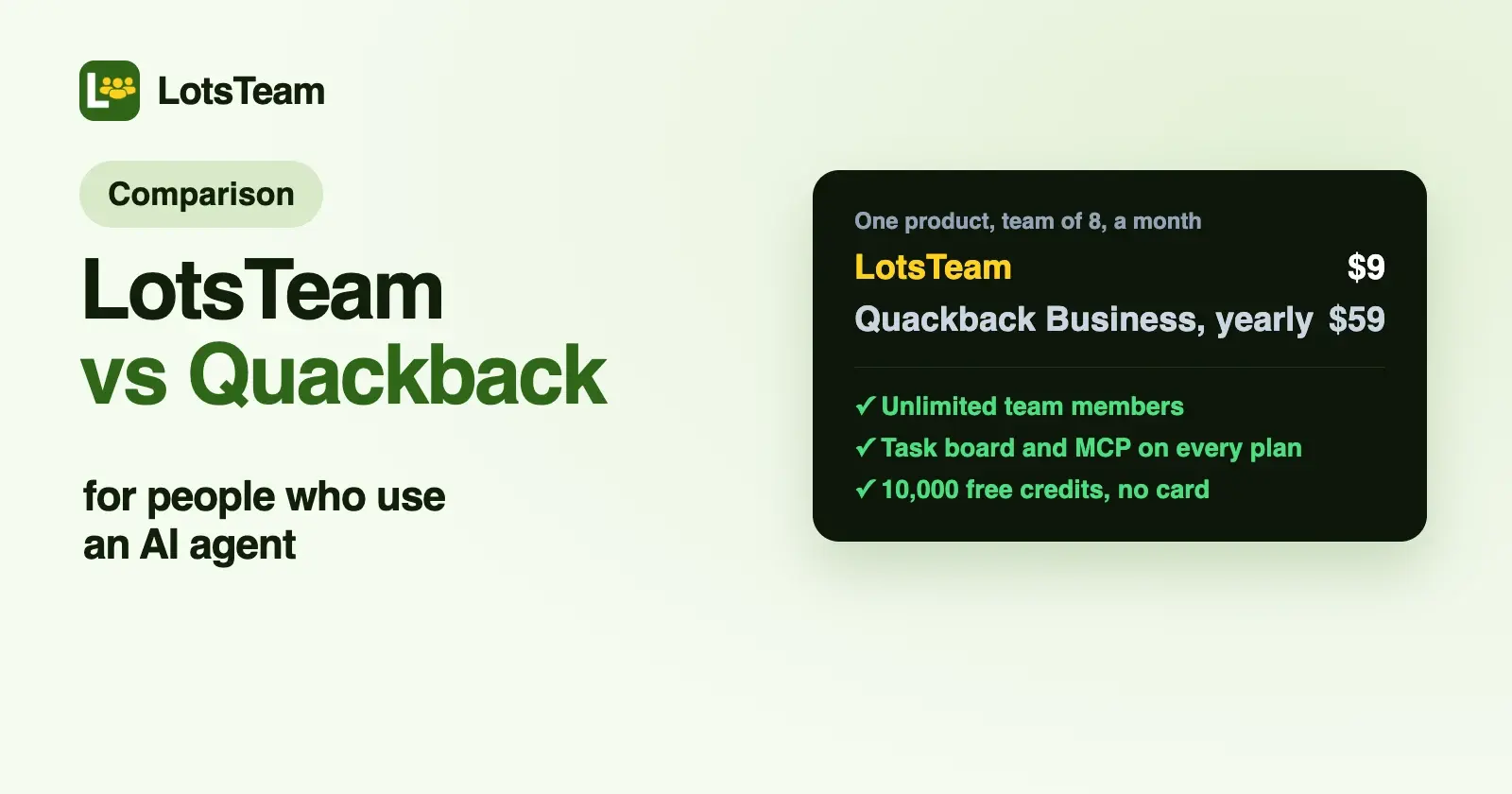
LotsTeam and Quackback both collect feature requests, run a roadmap, a changelog and a support inbox, and give AI agents an MCP server. LotsTeam charges $9 per project a month, with unlimited team members, a task board and MCP on every plan. Quackback is open source and priced per workspace by seats, with MCP from $29 a month billed yearly.
If you're a founder or a lean team, you work in ChatGPT, Claude or Claude Code, and you want one price per product however many teammates join, with the agent able to run the whole loop, LotsTeam is the better fit. If you want to self-host, or you want an AI agent that answers customers in chat plus a help center and status page, look at Quackback.
Everything about Quackback below comes from its own pricing page, home page and MCP docs, checked on 18 October 2026, with links at the end. In LotsTeam a "post" means a piece of product feedback, such as a request, a bug or an idea, and a "project" is one product's workspace.
LotsTeam vs Quackback at a glance
| LotsTeam | Quackback | |
|---|---|---|
| Built for | Founders and lean teams who run feedback, tasks, support and the changelog from their own AI agent | Product and support teams who want feedback, support, a help center and a status page in one open-source product |
| What you pay for | Projects: $9 each, or $24 for 3, $69 for 10, $159 for 30 | Workspaces by seats: Free (1 seat), Pro $29 (5 seats), Business $59 (20 seats), Enterprise $99 (unlimited), a month billed yearly |
| Team | Unlimited team members on every plan | Seats capped per plan; pending invites count. Customers, voters and chat visitors are free |
| Hosting | Hosted | Cloud, or self-host with Docker and Postgres (AGPL-3.0, every feature, no license key) |
| Feedback portal and roadmap | Widget, public portal with votes, and a public roadmap of the tasks you choose to share | Boards with voting, AI duplicate detection, a public roadmap, and a widget for web, iOS and Android |
| Tasks | A task board built in; one task carries every request behind it | Roadmap built from post statuses; sends work to Linear, Jira, GitHub and other trackers on Business and up |
| Support | Support inbox with agent-drafted replies you approve | Live chat, email and tickets, CSAT, and a conversation can become feedback in one click |
| Changelog | Published to your portal; can email the people whose requests it delivered | On every plan; link the requests it ships and their voters are notified |
| AI | Your own agent (ChatGPT, Claude or another MCP client) does the work | Quackback AI: a customer-facing agent from Pro, a team Copilot on every plan, usage tiers with $10 top-ups |
| MCP server | Every plan and pay as you go | Pro and up on Cloud, or any self-hosted install |
| REST API | Every plan and pay as you go | Pro 10K, Business 250K, Enterprise 2M requests a month |
| Help center and status page | Not included | Included on every plan |
| Free start | 10,000 free credits, valid 90 days, no card | Free plan (1 seat, 1 board, 50 posts), or a 14-day trial of any paid plan, no card |
Where LotsTeam is the better choice
One price per product, with unlimited team members
Quackback's paid plans are flat per workspace, and each one includes a set number of seats: 5 on Pro, 20 on Business, unlimited on Enterprise. A seat is any teammate who signs in to the admin, pending invites included, and to add more people than your plan holds you move up a plan. Customers, voters and chat visitors are free on every plan, which is fair and simple.
LotsTeam doesn't count seats at all. A project costs the same with two teammates or forty, and organizations and team members are unlimited on every plan. Here is one product with the MCP server switched on, at list prices checked on 18 October 2026 (Quackback's prices are per month, billed yearly):
| Your team | LotsTeam (one project, pay as you go) | Quackback plan you'd need |
|---|---|---|
| 2 to 5 people | $9 | Pro, $29 |
| 6 to 20 people | $9 | Business, $59 |
| 21 or more | $9 | Enterprise, $99 |
For three products, LotsTeam's Starter plan is $24 a month. On Quackback each workspace has its own plan, seats and invoice. Quackback's plans also include a help center, a status page and its own AI usage, so this compares the price model, not identical scope. If your team grows, the seat count is where the two models separate.
A task board next to the requests
In LotsTeam, a request from the widget or the portal, the task that comes from it, the support thread where a customer asked about it and the changelog entry that announces it all sit in one project. Your agent reads and prioritises the requests, merges duplicates (votes and task links move to the kept post, and nothing is deleted), creates a task and links every post that asked for the same thing to it. You can see that run on a test project in How to Prioritize Feature Requests With an AI Agent.
Quackback plans on a public roadmap built from your posts' statuses, then sends the work to Linear, GitHub, Jira or another tracker, and keeps the request's status in step when the issue moves. That's a good fit if your engineers already live in one of those. Those issue tracker integrations are on Business and Enterprise. If you want the board next to the requests without a second tool, LotsTeam has it built in on every plan. For how other tools handle this, see The Best Tools to Link Feedback to Tasks.
MCP and REST on every plan, and the agent can run the setup too
LotsTeam includes the MCP server (https://api.lots.team/mcp) and a REST API on every plan and on pay as you go. You add the URL as a connector, sign in with the email you use for LotsTeam, and no key is pasted into the chat. On Quackback Cloud, the MCP server, the REST API and webhooks start on Pro, and a self-hosted install has them all.
Quackback's MCP server is well built: it signs in with OAuth 2.1 (with discovery, so Claude Code and Cursor can connect without a key) or a scoped qb_ API key, and every key gets its own identity in the audit trail. Its docs list tools to search, triage and merge feedback, write changelog entries, work the support inbox and tickets, and manage help center articles. An admin turns the server on and creates keys in Quackback's settings.
In LotsTeam the agent can also do the admin work. It can create a project (it's billed, so the agent confirms with you first), update the name, logo and portal settings, connect a custom portal domain, and make a project internal with no public portal. It can invite teammates by email, change their role or remove them, after you confirm each change. The agent acts with the permissions of the person signed in: a viewer reads, and a member works inside their projects. Billing and deleting a project stay in the dashboard.
Your own agent does the work
LotsTeam is built for the agent you already use. ChatGPT, Claude, Claude Code, Codex or another MCP client reads the requests, drafts the support replies and writes the changelog, with the context you already gave it about your product. It asks before anything goes out: a support reply is shown to you before it's sent, and the changelog email to the people who asked is off unless you turn it on for that entry. Each author of a linked post who left an email gets one message saying what shipped; anonymous voters aren't emailed. The steps are in How to Publish a Changelog and Notify the People Who Asked.
A free start with the MCP server from day one
New LotsTeam accounts get 10,000 free credits, valid 90 days, with no card. That's enough to run one project for a month, with the MCP server and REST API included. Quackback's Free plan has no time limit and no MCP; its paid plans have a 14-day trial with no card.
What Quackback offers
Quackback is a broad, open-source product, and its strengths are real:
- Open source and self-hostable. It's licensed AGPL-3.0, its cloud runs the same code, and the self-hosted edition with Docker and Postgres has every feature, including SSO, custom roles and the audit log, with unlimited seats and no license key. You run the servers, backups, upgrades and AI provider yourself.
- A built-in AI agent for customers. From Pro, Quackback AI answers customers in chat and the help center around the clock and hands off to your team, and a Copilot answers your team's questions and drafts replies on every plan. There are no per-resolution fees; extra usage comes in $10 top-ups that carry over.
- Help center and status page. Articles customers search for themselves, which also feed the AI's answers from Pro, and a status page with incidents, maintenance, uptime history and email subscribers, all on every plan.
- A full support inbox. Live chat, email and tickets, assignment, snoozing and internal notes, CSAT after close, and one click to turn a conversation into feedback with the customer attached. Teams, routing, SLAs and visual workflows come on Business.
- Voters hear when it ships. Publish a changelog entry, link the requests it ships, and their voters are notified.
- Integrations and import. 25 integrations including Slack, Linear, Jira, Intercom, Zendesk and HubSpot (Business and up), a CSV import with a preview before anything is written, and an open-source import CLI for comments and votes from tools such as Canny and UserVoice.
- A free plan. One seat, one board and 50 posts, with the roadmap, changelog, support inbox, help center and status page, and no time limit.
Which one should you choose?
Choose LotsTeam if:
- You want one price per product, with unlimited team members, however many people join.
- You want requests, the tasks behind them, support and the changelog in one workspace, without a separate issue tracker.
- You work in ChatGPT, Claude or Claude Code and want the MCP server and REST API whatever you pay, including project setup and team invites.
- You'd rather use the agent you already have than add another AI to your stack.
Choose Quackback if:
- You want to self-host the whole product, or open-source code matters to you.
- You want an AI agent that answers customers in chat, a help center and a status page in the same tool.
- Your engineering work lives in Linear, Jira or GitHub and you want request statuses to follow the issue.
- You're one person and the Free plan's one board and 50 posts are enough for now.
For more options, see LotsTeam vs Canny, Productboard Alternatives for Small Teams Who Use an AI Agent and The Best Tools to Link Feedback to Tasks.
Run it from your AI agent
Give your agent this and let it set itself up:
Read https://lots.team/skill.md and help me connect LotsTeam for you.
Moving requests over from Quackback works the same way, from one chat. Connect both MCP servers to your agent, then ask:
Using the Quackback connector, list the open posts on my Feature Requests board with their vote counts. Show me the list first. For each one I approve, call create_post in my LotsTeam project with the same title and description, category "feature", and the author's email and name where Quackback has them. Then group the posts that ask for the same thing, create one task per group with create_task, and link each post to its task with link_post_to_task.
Logging a post with the requester's email means they can be told when the work ships. LotsTeam has no importer from Quackback, so the agent does the moving. The MCP server is https://api.lots.team/mcp. Plans and credits are explained in LotsTeam Pricing Explained and on lots.team/pricing; extra projects beyond a plan are at your plan's rate, and LotsNotes Pro is included with the Pro and Business plans.
Common questions
Is LotsTeam a Quackback alternative?
Yes, for feedback boards with votes, the roadmap, the changelog and the support inbox, plus a task board built in. LotsTeam charges per project with unlimited team members, and its MCP server is on every plan. It doesn't have Quackback's help center, status page or customer-facing AI agent, and it isn't open source.
How much does Quackback cost?
Quackback has a Free plan with 1 seat, 1 board and 50 posts. Paid plans, billed yearly, are Pro at $29 a month for 5 seats, Business at $59 for 20 seats and Enterprise at $99 for unlimited seats; yearly billing saves 21%. Every paid plan has a 14-day trial with no card. Removing the Quackback branding is a $59 a month add-on. Prices checked on 18 October 2026.
Is Quackback open source?
Yes. Quackback is open source under AGPL-3.0, and its cloud runs the same code. The self-hosted edition has every feature with unlimited seats and no license key; you run the servers, backups, upgrades and your own AI provider.
Does Quackback have an MCP server?
Yes. It connects over HTTP with OAuth 2.1 or a scoped API key, and its tools search, triage and merge feedback, write changelog entries, work the support inbox and tickets, and manage help center articles. On Quackback Cloud it's on Pro and up, not on Free. LotsTeam's MCP server is on every plan and on pay as you go.
Does LotsTeam charge per seat?
No. You pay for projects: $9 per project a month on pay as you go, or $24, $69 or $159 a month for 3, 10 or 30 projects. Organizations and team members are unlimited, and nobody counts the people who post or vote.
Can I move from Quackback to LotsTeam?
There's no importer. Connect both MCP servers to your agent and have it read your Quackback posts and log them in LotsTeam with create_post, keeping the requester's email where Quackback has it, then group them into tasks. The prompt is above.
Quackback details checked on 18 October 2026 from quackback.io/pricing (plan cards, feature table and pricing questions), quackback.io and quackback.io/docs/mcp. LotsTeam details from lots.team/pricing, lots.team/skill.md and api.lots.team/tools.json. Prices and features change; check their pages for the latest.